
Fighter guides, controls help and bout notes
Horizon Launcher Guides
Install help, renderer choices, distant terrain tuning, version and mod management, and fixes for the problems that actually happen, every guide tested on real Android phones with the Rust edition of Minecraft Java Edition 26.3.
 Guide How to Install Horizon Launcher on Android, Step by Step The calm way to install the Horizon Launcher APK: pick the right build for your phone, allow the install, choose a renderer and finish the one time prepare run. Read guide →
 Guide Horizon Launcher Beginner Guide: Your First Launch Done Right New to Horizon Launcher? The first launch routine that works: renderer first, prepare once, balanced presets, a fresh world, then your old saves. Read guide →
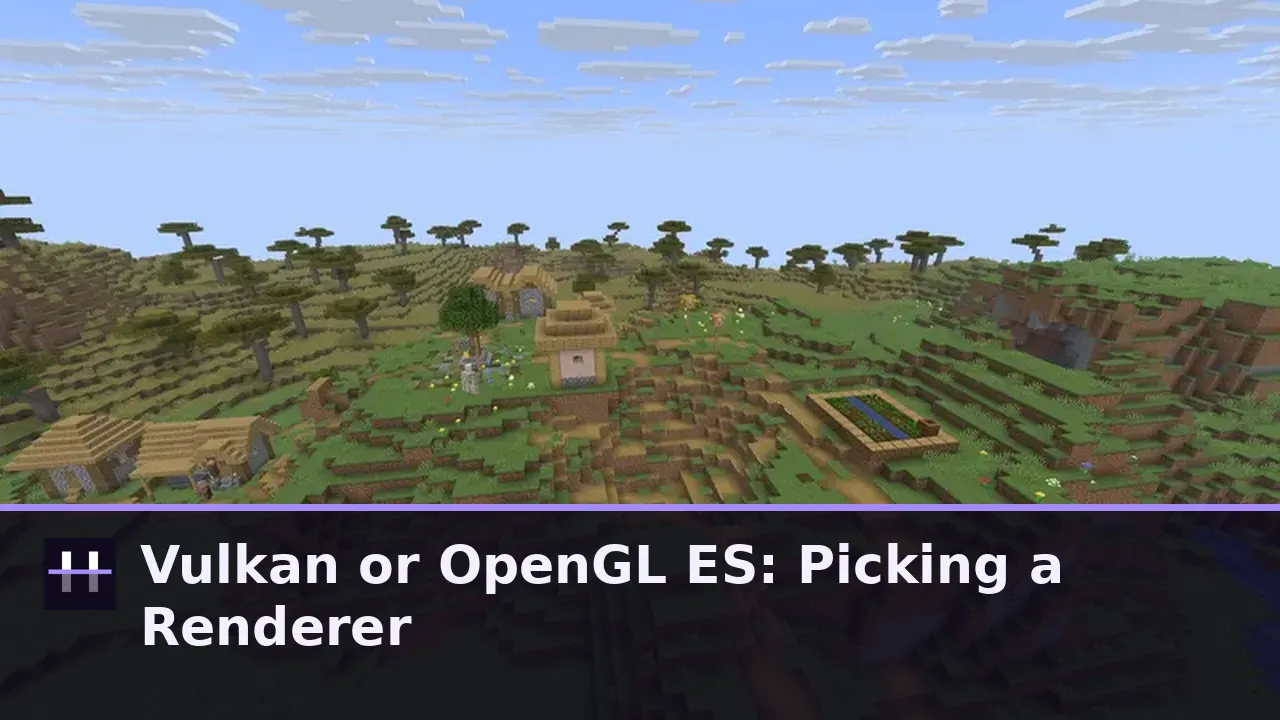 Guide Vulkan or OpenGL ES in Horizon Launcher: Picking the Right Renderer The one Settings choice that decides how Horizon feels on your phone: Vulkan via wgpu for most devices, OpenGL ES for older hardware, and how to tell which yours wants. Read guide →
 Guide Horizon Launcher Controls: Touch Buttons and Controller Setup How Horizon Launcher plays in the hand: the on screen touch layout, what to configure before your first world, and how a controller changes the whole feel. Read guide →
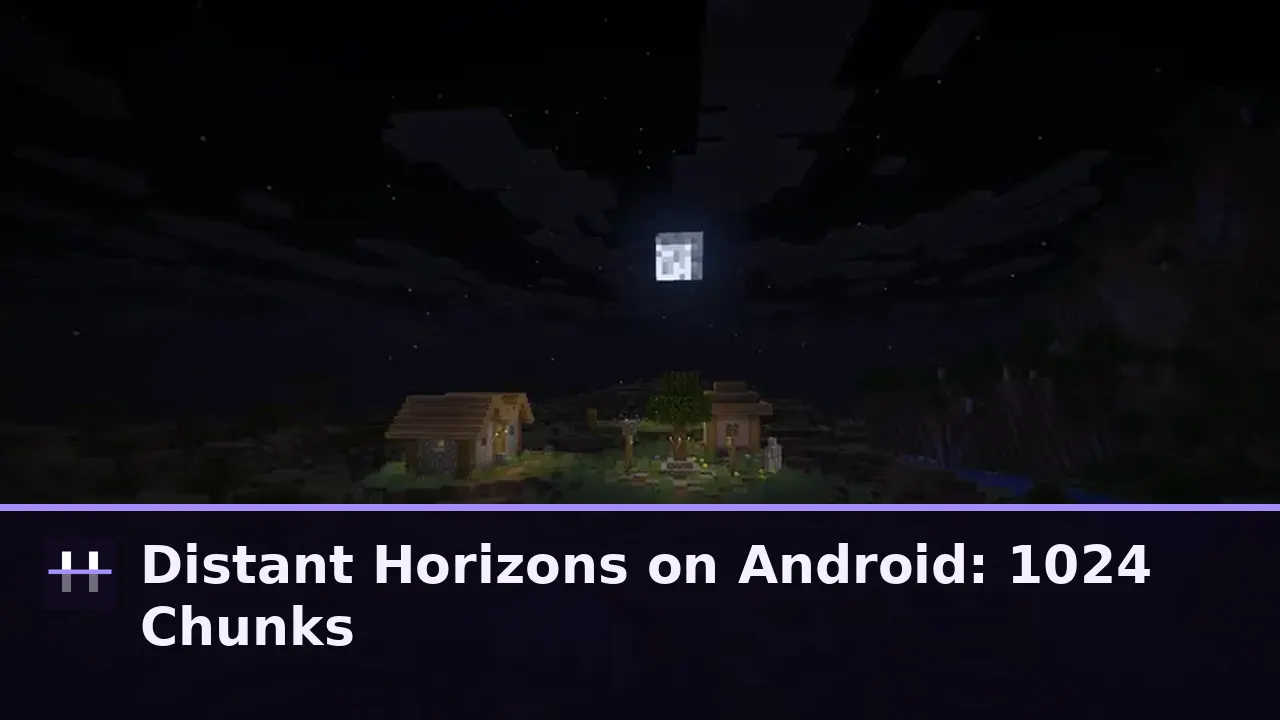 Guide Distant Horizons on Android: Seeing 1024 Chunks in Horizon Launcher How Distant Horizons works inside Horizon Launcher, what 1024 chunks of terrain really costs, and the settings ladder that finds your phone its honest horizon. Read guide →
 Guide How to Prepare Minecraft 26.3 for Horizon Launcher The prepare run is the heart of Horizon Launcher: what it builds, why it needs your own Minecraft Java Edition files, how long it takes and what to do if it stalls. Read guide →
 Guide Horizon Launcher Versions: Keeping More Than One Build on the Shelf The Versions page is Horizon Launcher at its best: install the current build, keep a favourite older build beside it, update in place and switch without reinstalling. Read guide →
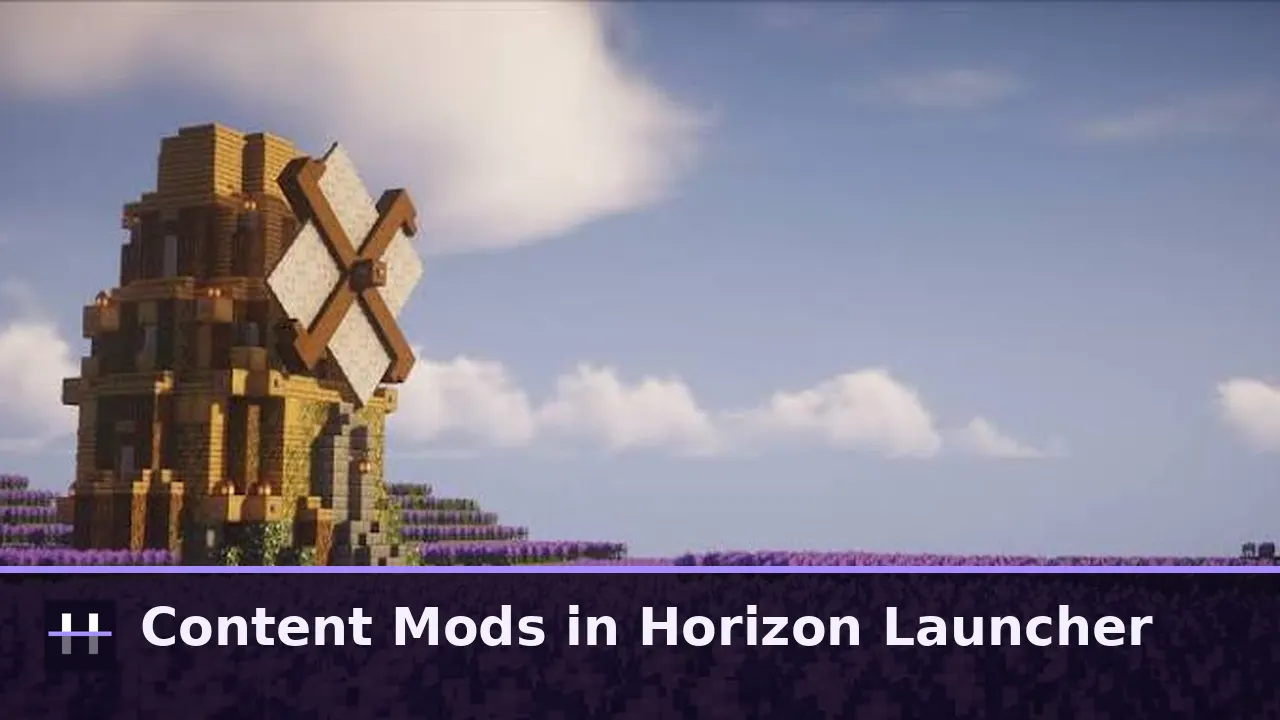 Guide Content Mods in Horizon Launcher: What Works and How to Install Mods in Horizon are content mods: data and asset packs with new blocks, items, recipes and structures. What works, what does not, and how the Mods page installs them. Read guide →
 Guide Horizon Launcher on Low End Phones: Settings That Keep It Smooth Horizon Launcher was built to scale down gracefully: the renderer choice, preset and distant terrain settings that give older and budget phones a smooth native Minecraft. Read guide →
 Guide Horizon Launcher Not Working? Fixes for Crashes, Black Screens and Stuck Prepare The Horizon Launcher problems that actually happen, in the order they actually happen: renderer black screens, stuck prepare runs, update hiccups and world load failures, each with its fix. Read guide →
 Guide How to Update Horizon Launcher Without Losing Worlds or Mods Updating Horizon Launcher the safe way: in place, through the Versions page, with worlds, settings and content mods carried across every time. Read guide →
 Guide Horizon Launcher vs the Java Client: Rust Native or JVM? What actually changes when Minecraft Java Edition 26.3 runs as a native Rust client through Horizon Launcher instead of on a Java virtual machine, and what stays exactly the same. Read guide →
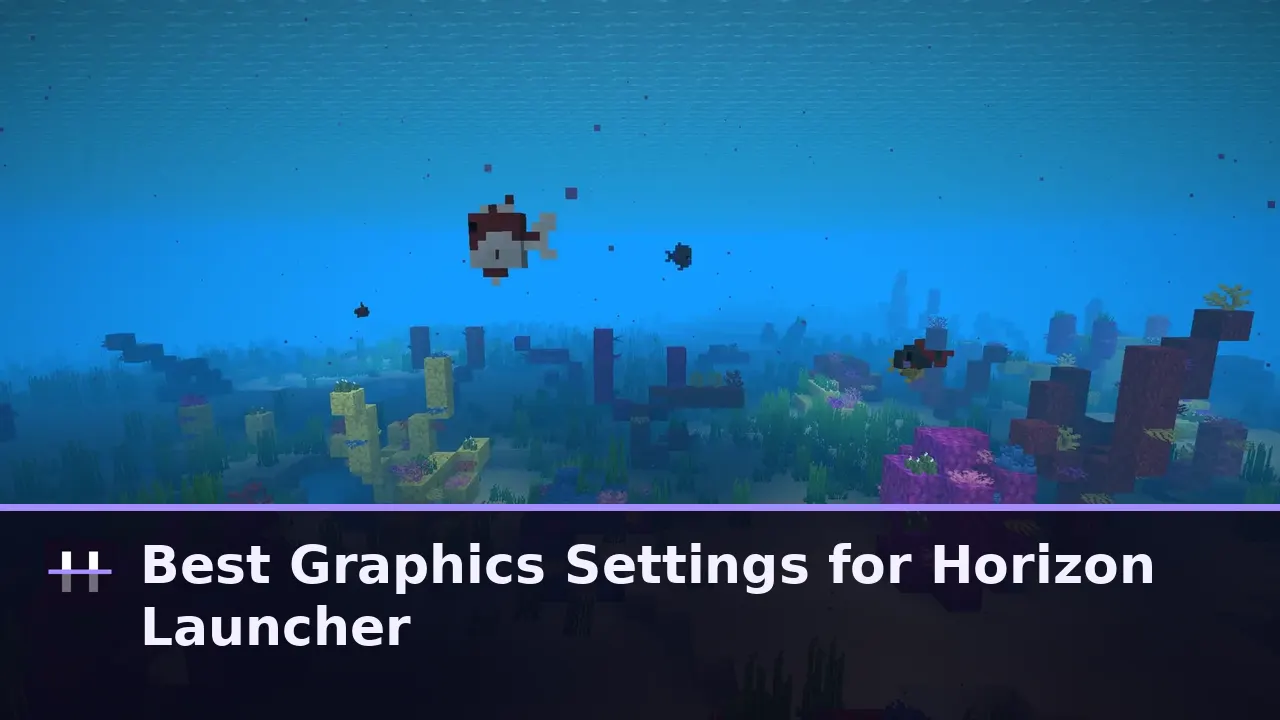 Guide Best Graphics Settings for Horizon Launcher on Android A tuning order that works on every phone: renderer first, preset second, distant terrain third, extras last, judged in your busiest area rather than an empty field. Read guide →
 Guide Playing Your Vanilla Worlds in Horizon Launcher Your existing Minecraft worlds are the whole point: vanilla save format in both directions, upgrades from 1.8 to 26.2, and the few habits that keep a shared library healthy. Read guide →
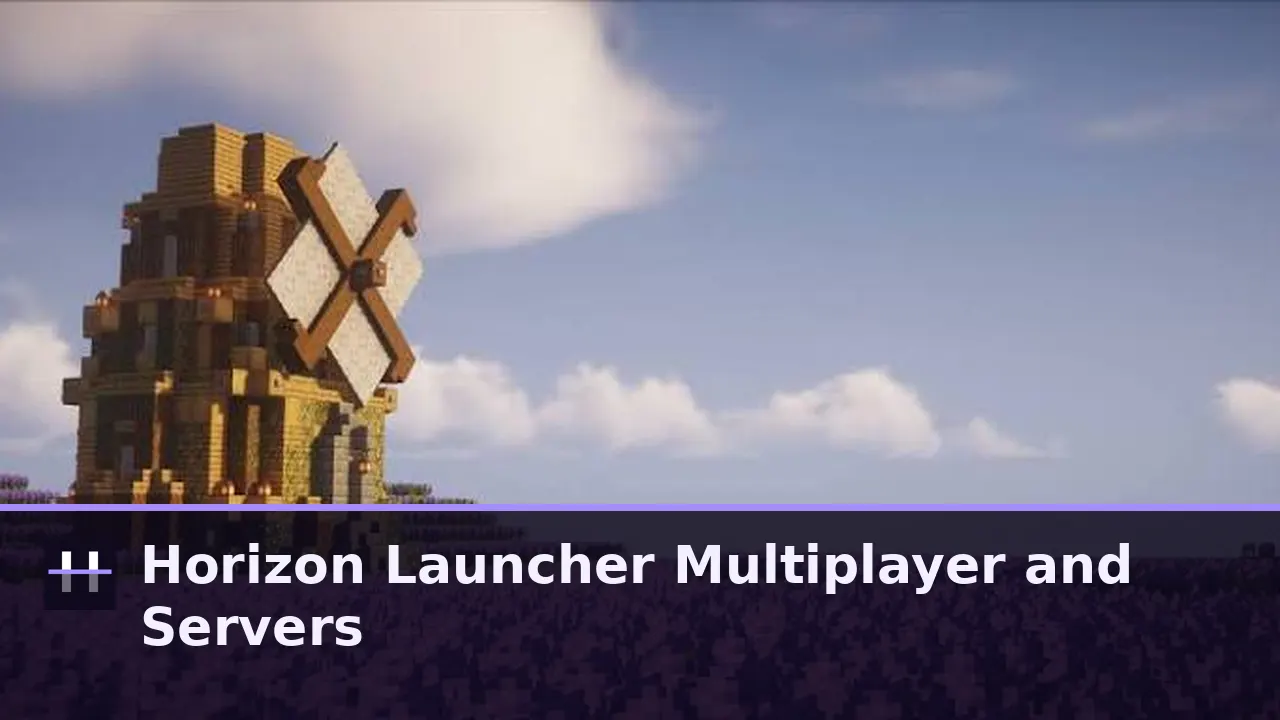 Guide Horizon Launcher Multiplayer: Servers Page, LAN and Joining Friends Multiplayer through Horizon Launcher: what the Servers page manages, how Horizon joins vanilla servers, LAN discovery, and the honest limits of online play in the Rust client. Read guide →
 Guide Horizon Launcher on Tablets and Big Screens Tablets are Horizon Launcher home turf: a shelf that breathes, distant terrain worth seeing, and the controller setup that turns a slate into a handheld console. Read guide →
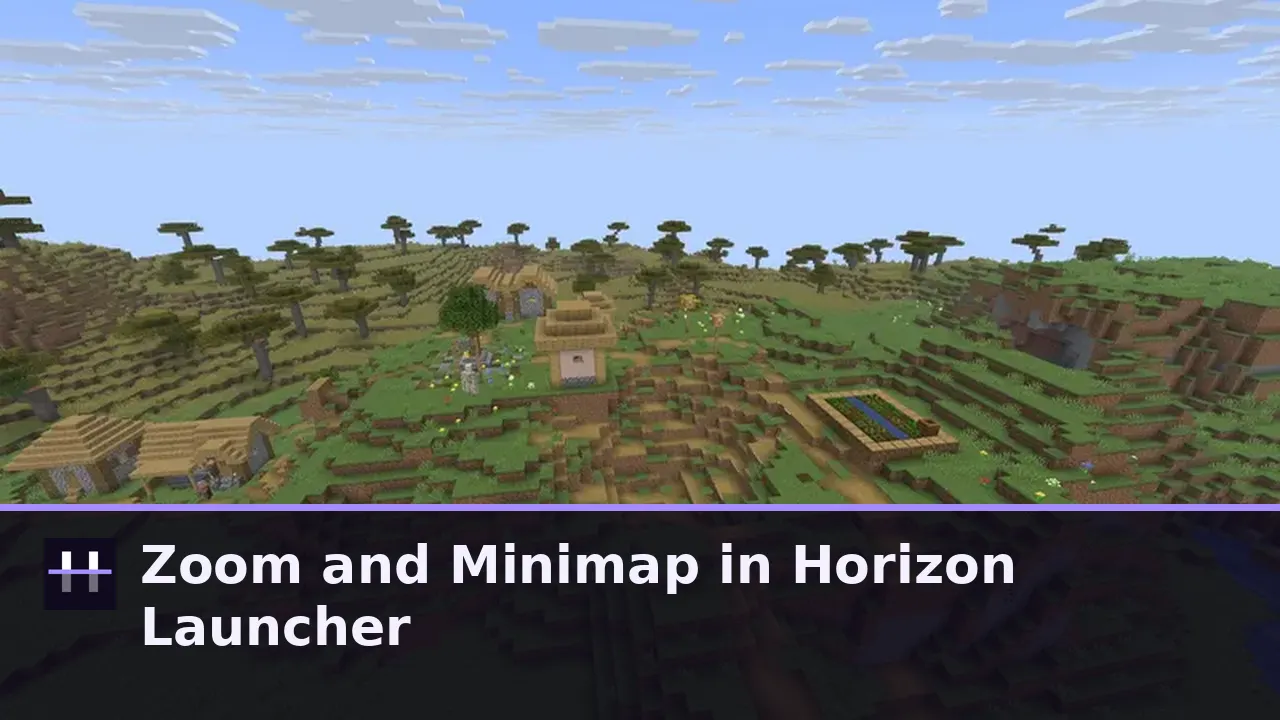 Guide Zoom and Minimap in Horizon Launcher: Optional Tools, Vanilla Look Horizon ships its extras off by default to protect the vanilla look: how the optional zoom and minimap work, when to enable them, and how the launcher builds them in as native mods. Read guide →
 Guide Is Horizon Launcher Safe? File Checks and Open Source Proof How to judge Horizon Launcher safety like a reviewer: open source code under MIT, published harness results, a launcher that prepares files locally, and the checks this site runs per build. Read guide →
 Guide Redstone and Commands in Horizon on Android: What the Harnesses Prove Technical players ask the hardest questions: does redstone tick identically, do all 758 commands parse, do crafters and dispensers behave? Inside Horizon test results, explained for Android players. Read guide →
 Guide Horizon Launcher Tips: Smoother Frames on Any Phone Frame smoothness in Horizon Launcher is a method, not a lucky setting: the worst spot test, one change at a time, heat and storage realism, and the renderer decision underneath everything. Read guide →