
Guide
Distant Horizons on Android: Seeing 1024 Chunks in Horizon Launcher
How Distant Horizons works inside Horizon Launcher, what 1024 chunks of terrain really costs, and the settings ladder that finds your phone its honest horizon.
CONTENTS On this page
The feature that gave this launcher its name is distance. With Distant Horizons enabled, the Rust client keeps drawing terrain far beyond the normal chunk border. This guide, tested with the build from horizon launcher App, explains what that costs your phone and how to climb the settings ladder to a horizon it can actually hold.
What Distant Horizons actually does
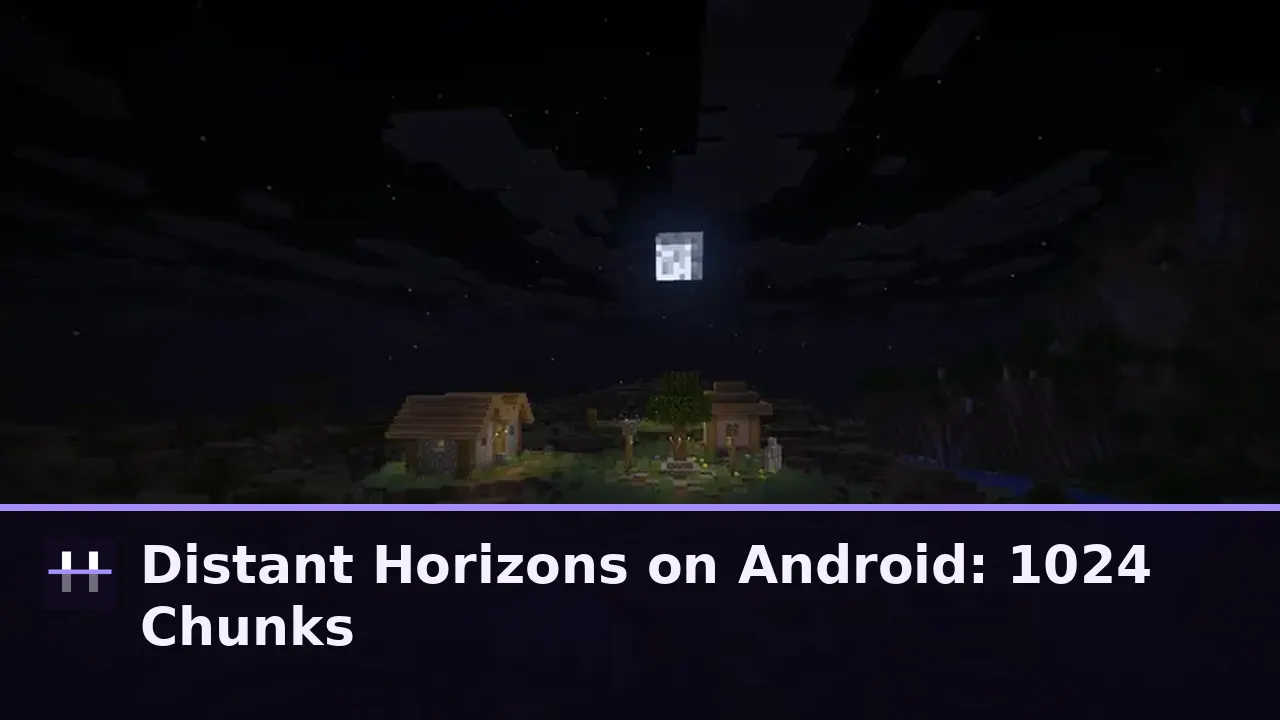
Normal Minecraft stops drawing at the edge of the loaded chunks and fills the rest with fog. Distant Horizons replaces that fog wall with simplified distant terrain: mountains, oceans and forests rendered far away at low detail, so the world reads as a landscape instead of a diorama.
In Horizon that distant terrain can stretch to 1024 chunks on capable hardware. You will not walk to most of what you see; that is the point. A mountain range on the skyline makes every local build feel placed in a world, not on a stage.
The real cost, honestly stated
Distance is not free. Distant terrain must be generated, stored and drawn, and the bill lands on your GPU, your storage and your battery in that order. A flagship treats 1024 chunks as a party trick; a mid range phone treats it as a workout; a budget phone should not be asked.
The good news is the ladder is fine grained. The range can be lowered in steps, and the setting can be changed between sessions without touching your world, because distant terrain is a view of your save, not a change to it. the graphics settings guide shows where this setting sits in the wider tuning order.
Climbing the ladder on your phone
Start at a modest range and play a full session in your busiest area: a village, a farm, moving water. If frames hold everywhere, step the range up once and repeat. The first step that stutters in your worst spot is one step too far; your honest horizon is the step below it.
Judge in the worst spot, not the best. An empty ocean flatters every setting; a village at sunset with weather running is the examiner that never lies. the smoother frames tips uses the same worst spot method for general frame tuning.
When to turn it down without regret
Multiplayer sessions, battery critical days and very old worlds with heavy built up areas are all fair reasons to shorten the horizon temporarily. The landscape waits; nothing about your world depends on how far you chose to see today.
Many players keep two habits: a long horizon for exploring new terrain on the charger at home, a shorter one for daily play. The launcher makes that a ten second settings change, which is exactly how a headline feature should behave.
Tested on our own Android phones with the current build, like every guide on this site. If a step behaves differently on your device, tell us through the contact page and the guide gets corrected, not defended.
Quick Answers
What does Distant Horizons do in Horizon Launcher?
It renders simplified terrain far beyond the normal chunk border, up to 1024 chunks, replacing the fog wall with real landscape.
Can a mid range phone use Distant Horizons?
Yes, at a shorter range. Climb the settings ladder until your busiest area stutters, then keep the step below.
Does distant terrain change my world?
No. It is a view of your save, not an edit. Changing or disabling it never alters the world file.
Does Distant Horizons use much storage?
Distant terrain data adds up with range. Higher ranges want more free storage, one reason we suggest keeping a few gigabytes spare.