
Guide
Zoom and Minimap in Horizon Launcher: Optional Tools, Vanilla Look
Horizon ships its extras off by default to protect the vanilla look: how the optional zoom and minimap work, when to enable them, and how the launcher builds them in as native mods.

CONTENTS On this page
Restraint is a feature. The Horizon client can zoom and can draw a minimap, and both ship switched off in the build from Horizon Launcher official site so the game looks vanilla until you decide otherwise. This guide explains the two tools and the tasteful way to use them.
Off by default, on purpose
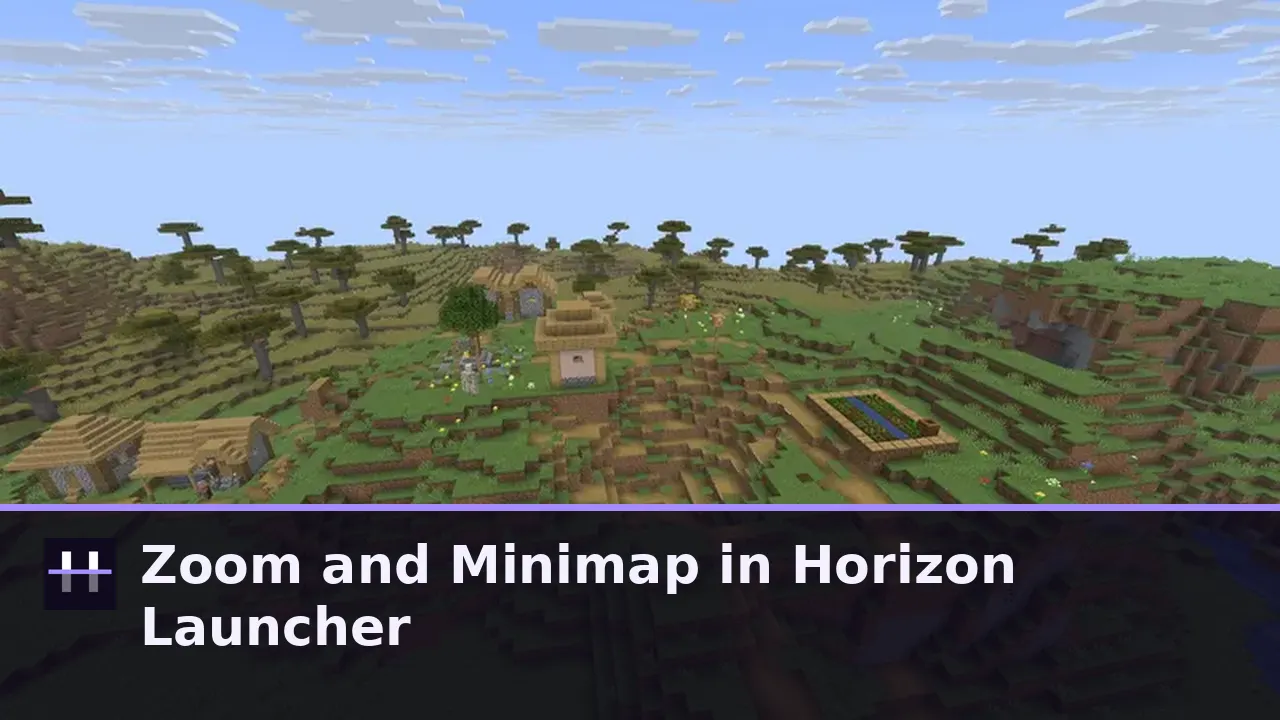
Horizon upgrades the engine, not the aesthetic. Rendering uses vanilla block models, lighting, sky and fog, and the optional extras that would change the vanilla look, zoom and minimap among them, are off by default where they would alter it.
That philosophy matters for trust: a rewrite that quietly redecorated your game would make you wonder what else it quietly changed. Here, every deviation is a switch you flipped yourself.
What zoom and minimap actually do
Zoom does what binoculars do: a key or gesture narrows your view so distant builds, redstone runs and landscape features can be inspected without walking. The minimap keeps a small live map on the HUD, drawn from the terrain around you.
Both exist as first party examples of Horizon native mods, the same system whose content side the content mods guide explains. They are small, single purpose tools, which is exactly why they are good citizens: enable one, ignore the other, remove both, and the game never notices.
When to enable them, and when not to
Builders and explorers get the most from both: zoom for checking a roofline from the ground, minimap for surveying new terrain with Distant Horizons painting the far country. Purists and screenshot purists will leave both off, and the game they play is equally correct.
Try them in a test world first if you are unsure. Like every setting in this launcher, they are reversible in seconds, and the beginner guide covers the wider principle: this shelf respects defaults and lets you season to taste.
Tested on our own Android phones with the current build, like every guide on this site. If a step behaves differently on your device, tell us through the contact page and the guide gets corrected, not defended.
Quick Answers
Is the minimap on by default in Horizon?
No. Zoom and minimap are off by default where they would change the vanilla look. You enable them yourself.
Does zoom change gameplay?
It only narrows your view for inspection. Nothing about the world, mobs or mechanics changes.
Are zoom and minimap mods?
They ship as first party native mod examples from the Horizon project itself, small and single purpose.
Can I remove them completely?
Yes. They are optional tools on the shelf; disabling or removing them leaves the vanilla style game untouched.